SXapi connection in the docs
note
The new SXapi / WebSocket protocol is in a public testing stage (supplied with SWTools 4), and both protocols are now supported in the interactive documentation. However, the current stable protocol (SXapi / Server (HTTP REST), SWTools 3) is marked with an alert icon, because it does not support all features used in the new online tools. All other interactive documentation works with both protocols.
The SXapi allows interaction with the siliXcon device from the documentation. To interact, you need to connect to the device using the emGUI tool.
warning
- This is not a replacement for emGUI and other tools. It is meant for shortening the learning curve and helping with the onboarding of new users.
- This feature is supported only in emGUI version 2.18.0 and higher.
How to use it
- Connect to the device
- Open emGUI and search for the device
- Select the device in the documentation
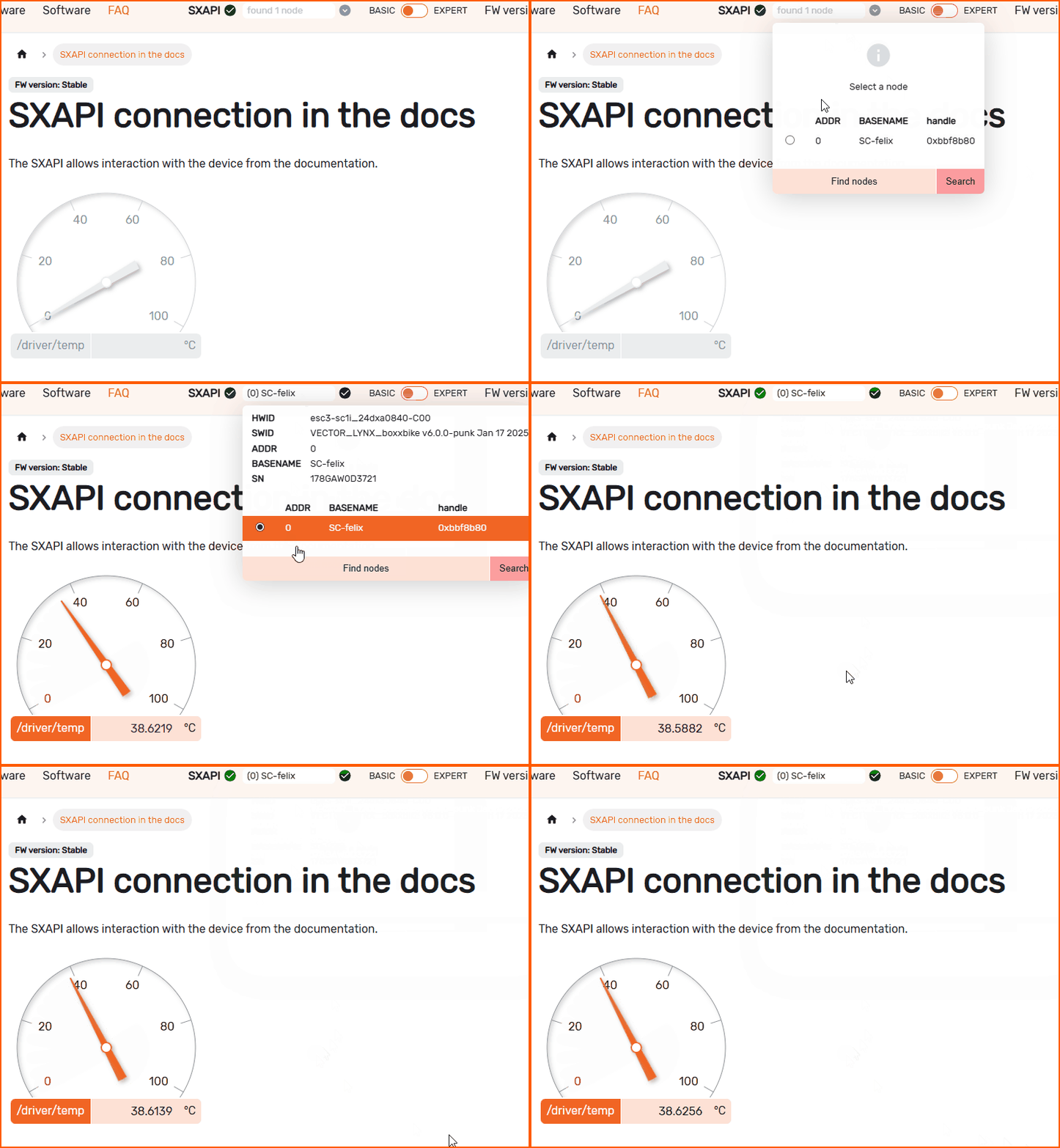
Widgets examples
- Gauge to show variable:
- Input for changing variable:
- Radio buttons: /driver/prestSensorless (1)3 Hall sensors (2)Sin/Cos (3)