Getting started with a siliXcon controller
1 / 4

Start emGUI​

Waiting for emGUI...

Open Launchpad and start emGUI from it. This page notices when emGUI runs.
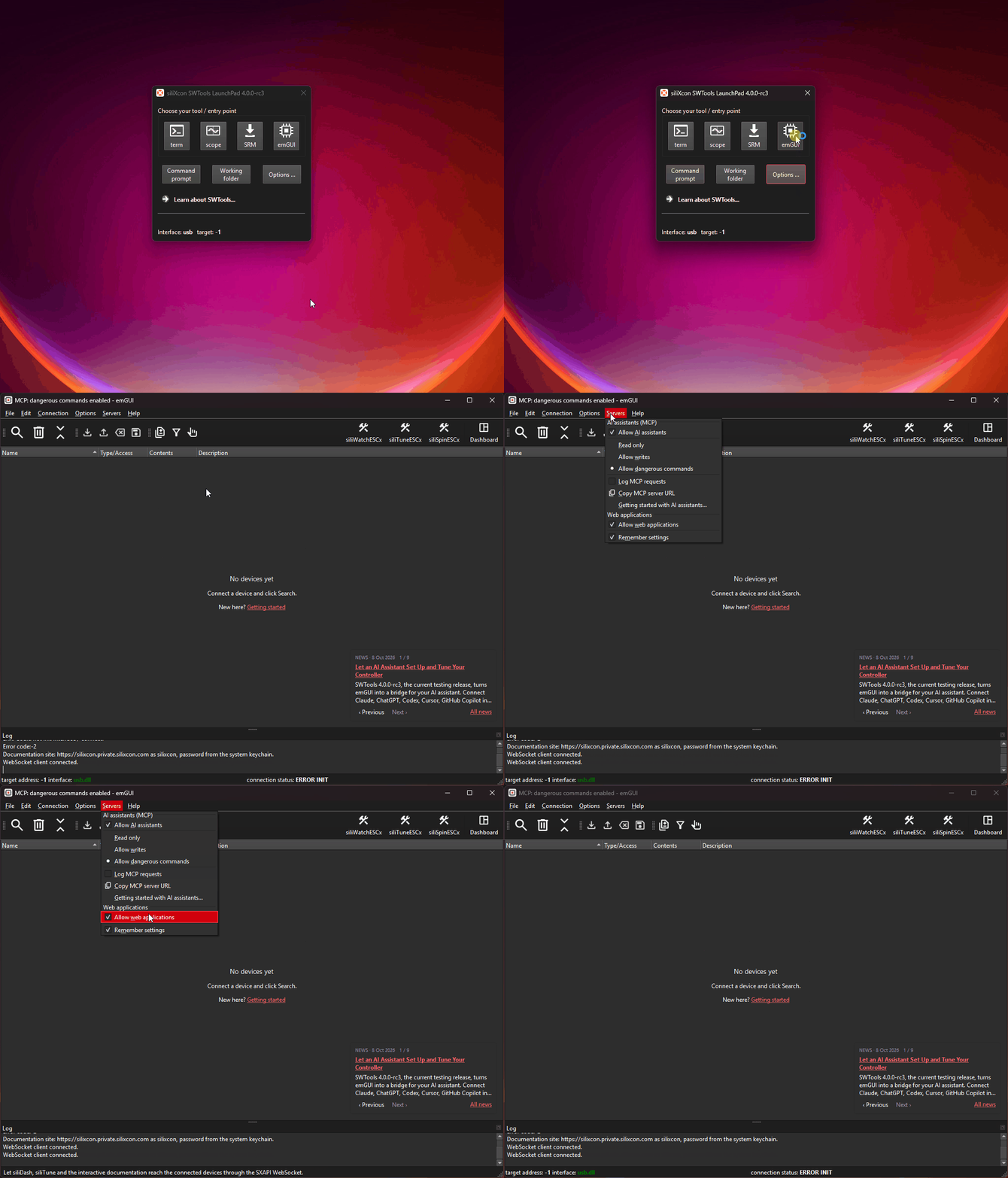
Launchpad: click emGUI to start it

This guide needs emGUI 4. Don't have it? Download SWTools 4, install it, and start Launchpad from the Start menu.

1 / 4

No AI assistant yet?

Download Claude Desktop. You don't need to pay: emGUI works with its free plan too.

Install it, come back to this step and paste the message into it. Claude sets up emGUI and guides you through the rest.

Download Claude Desktop